NotebookLM Short Video Overviews: Honest Review + the 6-Step Prompt Playbook
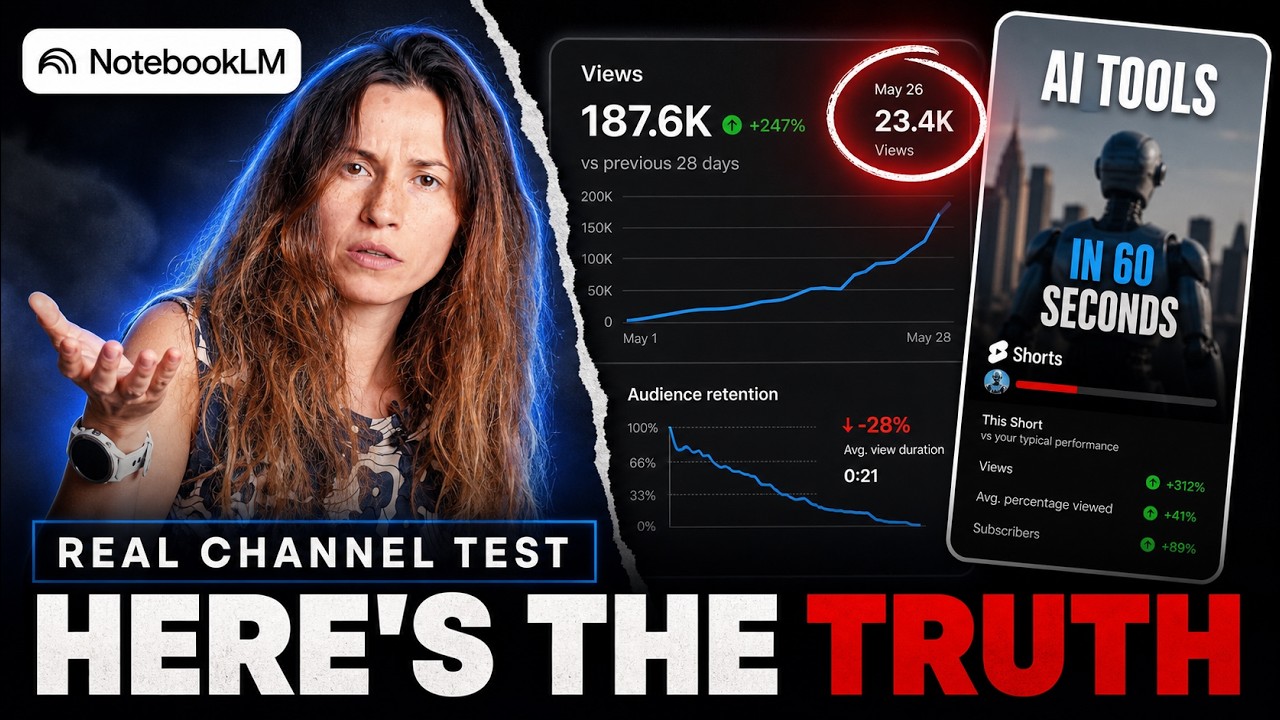
On June 30, 2026, Google shipped a new format inside NotebookLM: Short Video Overviews - a roughly 60-second vertical video generated from your own uploaded sources, with auto voiceover, on-screen captions, background music, and AI illustrations. I run a YouTube channel that agents produce end to end, and Shorts were the one gap in that system. So I tested the feature the day it launched - on the real, branded channel, not a toy notebook - and again ten days later. Six generated videos, four prompt strategies.
This is the written version of that test: what the feature actually is, what each round taught me, and the 6-step prompt playbook I landed on. The honest verdict up front: it’s a genuinely impressive drafting tool, and it is not yet a publish-ready button for branded content. Both halves of that sentence are true, and the interesting part is why.
What you actually get
Not from the press release - from using it:
- The format: ~60-second vertical (9:16) video from your notebook’s sources. Voiceover, captions, music, one AI illustration per beat (roughly 4 seconds each), rendered by Nano Banana 2 Lite.
- Where it lives: Google AI Pro and Ultra plans, web app only. There is no API and no CLI, so you can’t batch-produce - it’s one video at a time in the browser.
- The controls: you pick the format, you pick the sources, and you get one text box: “What should the video focus on?” That’s it. No style picker, no length control, and no way to edit or regenerate a single scene.
- Length is not negotiable: I asked every single prompt for about 45 seconds. My six videos came back at 51 to 70. The prompt can’t substitute for a length control.
The test: six videos, four prompt strategies
Round 1 - the naive attempt. Abstract science topic (the brain science of fear), basic prompt. It opened with one clever image, then locked onto a single static schematic and slowly built that same diagram for two-thirds of the video. Lesson: the image model can’t draw an abstract idea. It retreats into diagrams.
Round 2 and 3 - concrete topic, plus art direction. I switched to a visual topic (a kid’s fear of monsters) and wrote an actual art-direction paragraph into the prompt: style, colors, mood, what to avoid. I ran the monsters topic twice that day and got two completely different videos. One opened with twelve seconds of genuinely lovely storybook illustration and then collapsed into washed-out, near-blank pastel frames. The other was rich storybook illustration the whole way through. So the prompt genuinely steers style - when the roll lands. Every single generation is a lottery ticket.
And in the good take, the characters morphed. The kid changed appearance scene to scene - three visibly different children across one 68-second video - and the monster morphed too. There is no character-consistency lock, no seed control, no reference image. Nothing in the prompt can force it.
Round 4 - designing around the morphing. Since you can’t force consistency, I stopped fighting it: anchor scenes on objects and one recurring non-human character, and only show people from behind or in silhouette. The morphing basically stopped - but the output over-corrected into empty establishing shots and weirdly literal images. That failure exposed the key mechanic of the whole tool: it captions each beat with the literal words being narrated, and picks an image to match that phrase. Abstract sentence in, weak image out. You don’t steer the visuals directly - you steer them by steering the script.
Round 5 - script-driven, hero-led. I rewrote the prompt to spell out short, concrete, drawable narration lines and made one friendly non-human character a mandatory hero in almost every scene. Clearly the best output of the day: right beats, no empty rooms, scripted actions rendered as written. Still not clean - it ignored the specified hero design, delivered pale pastel instead of the bold palette I asked for, and quietly swapped the child’s design in the final scenes. And with no per-scene regeneration, none of that is fixable in-tool.
Round 6 - the re-test, ten days later. New topic, full recipe applied. The recipe transferred: consistent-ish hero, no empty rooms, the scripted ending rendered exactly as written. The ceiling didn’t move: washed-out palette again, several beats fell back into diagram cards, the character’s outfit still drifted. Same tool, same ceiling.
The verdict
What it’s great at: fast and nearly effortless; grounded in your sources rather than a model’s memory, so far less random hallucination than from-scratch AI video tools; the prompt visibly steers style, palette, and mood when the roll lands; available on the Pro tier; excellent for turning research into a rough short to test a hook instantly.
Where it falls down: no character consistency (the number-one quality killer - and the non-human-hero trick only reduces it); no per-scene editing, so one bad beat means re-rolling the whole video or fixing it in an external editor; it illustrates the words literally, so you must script around it; it half-ignores your spec - palette, length, even the hero design - differently on every roll; a NotebookLM watermark; no API.
One line: a brilliant drafting tool today; not yet a publish-ready button for branded content.
The 6-step prompt playbook
Each of these exists because a specific failure taught it:
- Pick concrete, visual topics. Abstract ideas collapse into diagram slideshows (Round 1).
- Write an explicit art-direction paragraph - style, colors, mood, what to avoid. It steers the look, per roll (Round 3).
- Don’t rely on a recurring person. Anchor scenes on objects and one recurring non-human hero; show people only from behind, in silhouette, or as hands. Even the hero can drift (Rounds 3-6).
- Write short, concrete, drawable narration lines. The tool draws the literal words - ban abstract phrases from the script (Round 4’s discovery).
- Mandate a recurring hero in almost every scene so nothing renders as an empty room (Round 4’s failure, Round 5’s fix).
- Treat every generation as a lottery ticket. Same prompt, different video. Re-roll, cherry-pick, and trim the weak opening in an editor if you need to (Rounds 2 vs 3).
Follow those six and you’ll get to “good” in one or two rolls instead of six.
Want the paste-ready version? The fill-in-the-blanks master prompt built from these six rules - plus the exact, unedited prompt from my best test run - is in the Built, Not Hired community as a member asset. Take it, swap in your topic and your hero, and generate.
The bigger picture
The reason I tested this so hard: Shorts were the one gap in a production system where AI agents research, produce, and publish a real YouTube channel - about a hundred videos, roughly ten minutes of my involvement per fifty-video batch. NotebookLM Shorts didn’t close that gap. It turned Shorts from “impossible in my pipeline” into “a fast first draft I still have to finish” - real progress, not the finish line.
The full architecture of that system - the research layer, the video factory, and the publishing agent - is documented in The Agent-Run YouTube Channel.
This is the Agent-Staffed Function pattern applied to one content surface: one accountable human, a set of specialized agents, written rules, and a feedback loop. The tool review above is what the “feedback loop” part looks like in practice.